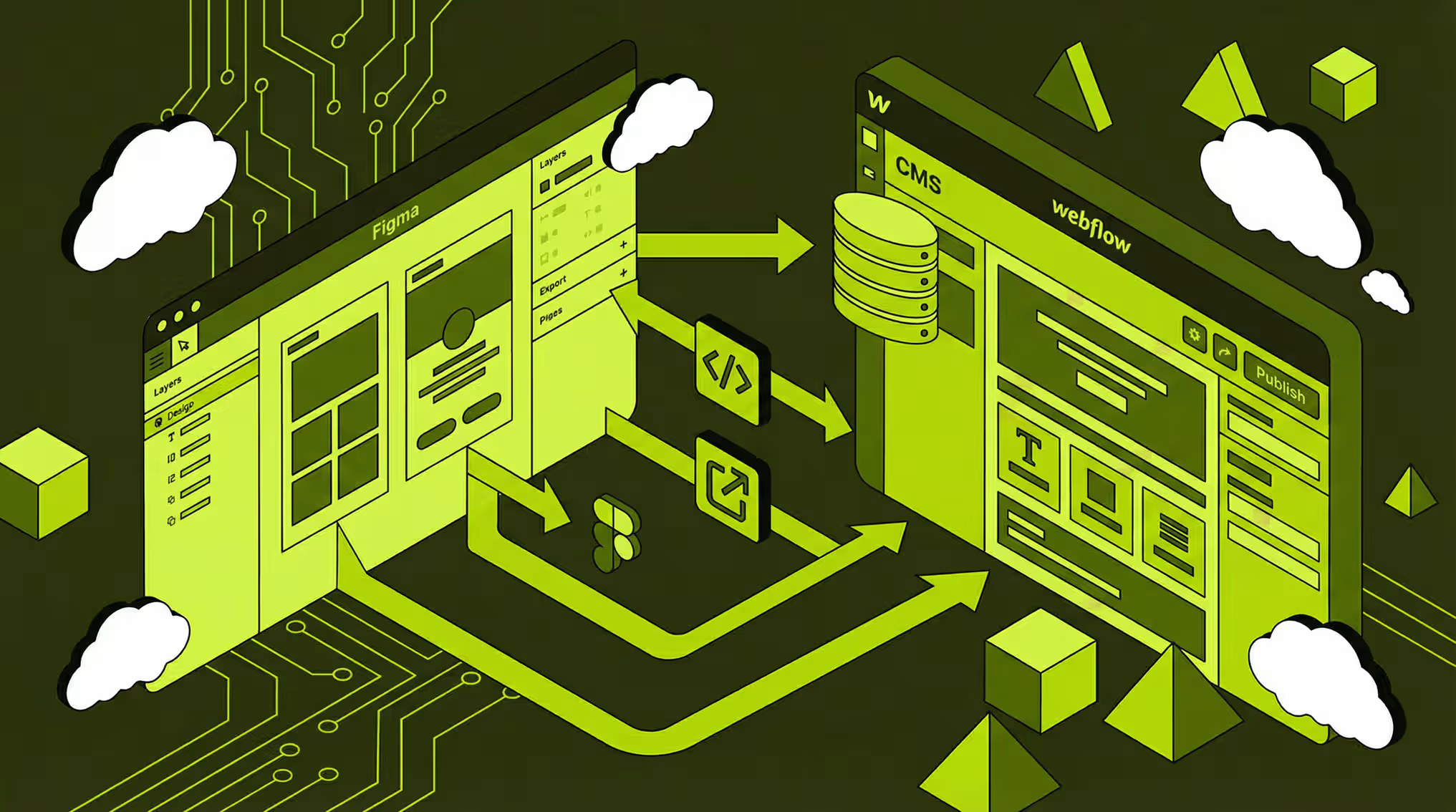
If you run a B2B company in Finland, you’ve probably felt this gap: the design work happens in Figma, the website lives in Webflow, and somewhere betweenyou lose clarity, speed, or quality. Pages don’t quite match the designs, changes are slow, and nobody is sure who owns what.
A clear Figma‑to‑Webflow workflow fixes that. It turns “nice mockups” into reliable, fast, conversion‑focused landing pages – without endless back‑and‑forth. This is exactly the bridge I offer as a Webflow‑focused UX/UI designer, as you can see in my recent client work.
1. Start with clear goals, not just a layout
Before I open Figma, we clarify:
- Business goal: demo requests, quote requests, sign‑ups, downloads, etc.
- Primary audience: who this page is really for (role, industry, buying stage).
- Main action: one clear outcome for the page (book a call, contact, start trial).
For example, when working on Navix’s site, the goal was clear: give industrial buyers a simple way to understand a complex service and get in touch quickly, without overwhelming them with technical detail.
For B2B, good landing pages aren’t about flashy design. They’re about clarity, proof, and a low‑friction next step.
2. Design in Figma: flows before pixels
Many Webflow problems start with messy Figma files. So I begin by making the structure solid.
In Figma I:
- Map the user flow from entry (ad, email, search) to main action.
- Define a clear content structure: hero, problem, solution, proof (logos, cases), offer, FAQ, CTA.
- Design responsive frames (desktop, tablet, mobile) so behaviour is clear.
- Set a simple design system: typography, colours, spacing, buttons, form components.
This systems mindset is the same one behind my design‑system work for large organisations, where many teams and pages need to stay consistent over time.
3. Prepare Figma for Webflow: developer‑ready design
Before development, I “developer‑proof” the Figma file so there are no surprises.
That means:
- Consistent naming and grouping of sections, containers, and elements.
- Reusable components for navigation, footer, buttons, cards, and forms.
- Clear spacing rules (e.g. an 8‑point system).
- Assets ready to export as SVG or optimised images.
Even when I’m both designer and Webflow developer, this step matters: it keeps projects maintainable when you need more pages, languages, or campaigns later. You can see this design‑to‑development bridge in practice in my “Latest Webflow websites” work for clients like Navix and Todd Smith Fitness.
4. Set up Webflow with a solid base
In Webflow, I mirror the design system:
- Global styles for body text and headings.
- Colour variables and spacing tokens.
- Layout primitives (sections, containers, grids, flex utilities).
For Finnish B2B clients, this means we can roll out new landing pages, product pages, or resource hubs quickly, while keeping everything consistent.
5. Build the layout: faithful and flexible
Then I rebuild the page section by section in Webflow:
- Using flex and grid to match the Figma layout, while allowing for real‑world content (long Finnish words, legal text, dynamic content).
- Checking key breakpoints (desktop, tablet, mobile) and adjusting details where needed.
- Keeping class naming clean, so future pages reuse patterns instead of duplicating mess.
The goal is “pixel‑perfect” where it matters, but also robust – the page should still work when marketing changes a headline or adds a new case study.
On projects like Hasan & Partners’ site, this approach helped keep the layout strong even with rich content and visual assets.
6. Design for performance and SEO from day one
B2B landing pages must load fast and be easy to find. Performance and SEO aren’t afterthoughts in this workflow.
Typical steps I take:
- Use optimised image formats and sizes, with lazy loading for below‑the‑fold content.
- Keep scripts lean and avoid unnecessary embeds.
- Use semantic HTML structure (proper headings, sectioning elements).
- Set up on‑page SEO basics: page titles, meta descriptions, ALT texts, and logical internal linking.
On my own client projects, this is why I combine Webflow development with SEO and performance work, as described on my homepage.
7. Add interactions that support the story
Interactions should help people understand and act, not just entertain them.
In Webflow I:
- Use clear hover states on links and buttons.
- Add gentle scroll reveals only where they guide attention.
- Keep animations light so they don’t harm performance or accessibility.
For B2B, the best compliment is often: “It just felt clear and trustworthy.”
8. Test with real content and devices
Before launch, I test:
- Different lengths of Finnish and English copy (if the site is bilingual).
- All forms, including error states and success messages.
- Behaviour on real devices, not just in the Webflow preview.
For Finnish B2B clients, I also like to run the page by sales or customer‑facing teams to check:
- Are we answering the questions prospects actually ask?
- Is the call to action realistic for their buying stage?
- Are the strongest proof points visible early?
9. Why this workflow matters for Finnish B2B
This Figma‑to‑Webflow workflow solves common problems I see in B2B sites:
- Designs that look great in Figma but break in the browser.
- Slow, heavy pages that harm SEO and lead quality.
- Constant tug‑of‑war between “designer” and “developer”.
- Landing pages not tied to clear business goals.
By treating design and development as one continuous process, you get:
- Faster launches for campaigns and new offers.
- Consistent UI across all touchpoints.
- Better performance and search visibility.
- A site your team can evolve, not a fragile one‑off build.
When this is a good fit (and next steps)
This Figma‑to‑Webflow workflow is ideal if:
- You’re a Finnish B2B company needing a conversion‑focused landing page or site.
- You have complex services that need clear structure and storytelling.
- You want one person to think about UX, UI, and Webflow implementation together.
If that sounds like what you need, you can see concrete client work (including Navix, Hasan & Partners, and Todd Smith Fitness) and get in touch